
Wildcarding and pattern matching
Previous |
Next
Topics
Syntax
| Characters | Meaning |
|---|---|
| ? |
Match any single character, including . but not \ or /. |
| * |
Match any number of characters, including . but not \ or /. |
| [a-z] |
An example range: match any character a through z. |
| [^a-z] |
An example exclusion range: match any character not in the set a through z. |
| {a,b}c |
Alternation: Generate both ac and bc, where a, b and c are themselves arbitrarily complex wildcard patterns. |
| ... |
Indefinite directory: Match any number of directory levels – zero or more – whatever it takes to make the rest of the pattern match. |
Usage
Patterns are used both for traditional filename wildcarding on the command line, e.g., to pass a list of arguments to a command, and for examining strings with expressions. Patterns are nestable arbitrarily and a recursive comparison algorithm is used to guarantee a sensible result no matter how complex the pattern. For example, *\[a-c]*.[ch] and ...\{a,b*\...}\p*.c both operate sensibly.
Even drive letters can be wildcarded, e.g., *:\Program*\Hamilton* works, though it can be very slow if you have a some net use drives that are offline and you haven’t restricted your search with the DRIVEMASK environment variable. If an application like the C shell tries to read from an unavailable network drive, Windows will try to reconnect the drive in order to perform the read. Reconnecting with a machine that’s up and running is quick. But if the machine is offline, it takes several seconds for the network protocols to time out and for Windows to report that.
Filename wildcards can be used wherever a word is expected and will match any filename except . and .. unless it's marked “hidden.” To allow wildcarding to match hidden files:
A pattern can also be used to examine a string in a switch statement or with the =~ (pattern matches) and !~ (pattern fails) expression operators. In this context, the pattern must be inside quotes, since otherwise it would be parsed as an expression, with * being viewed as the multiply operator, etc. When examining a string with a pattern that uses alternation, the pattern matches if any of the alternatives matches. When matching strings, case does matter.
When using a pattern to examine a string with =~ or !~ or with a switch, the string being tested is the left operand and the pattern is on the right.
See also
nonohidden variable
nonomatch variable
nowild variable
Basic statements
foreach statement
switch statement
Expression operators
File system tests
Quoting
Filename completion
Order of evaluation
Tutorial: Words versus expressions
Tutorial: Wildcarding
Tutorial: Quoting
Tutorial: Pattern matching expression operators
Tutorial: Filename completion
Previous | Next
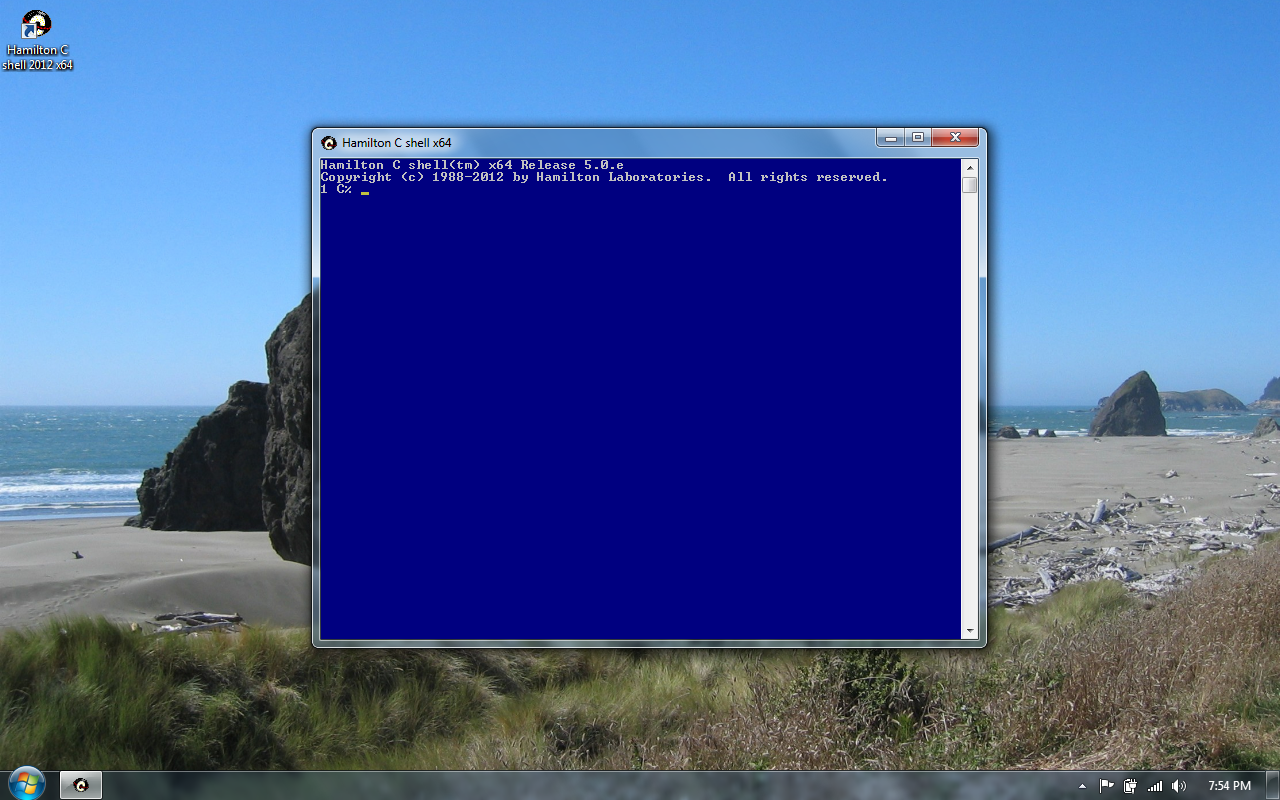
Hamilton C shell, as it first wakes up.
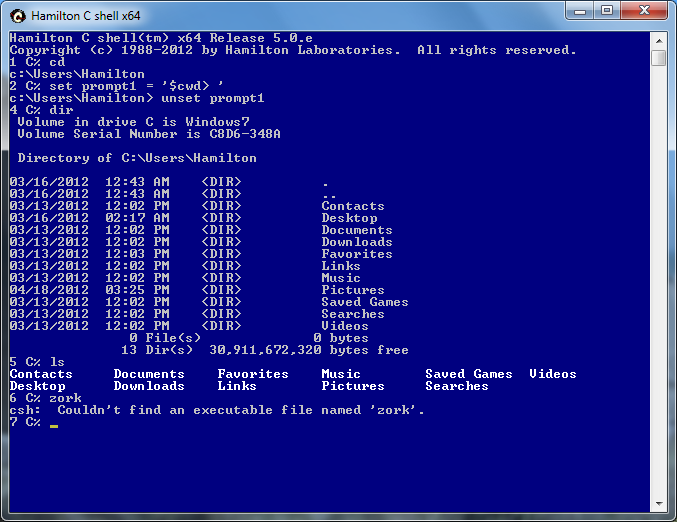
A first few commands.
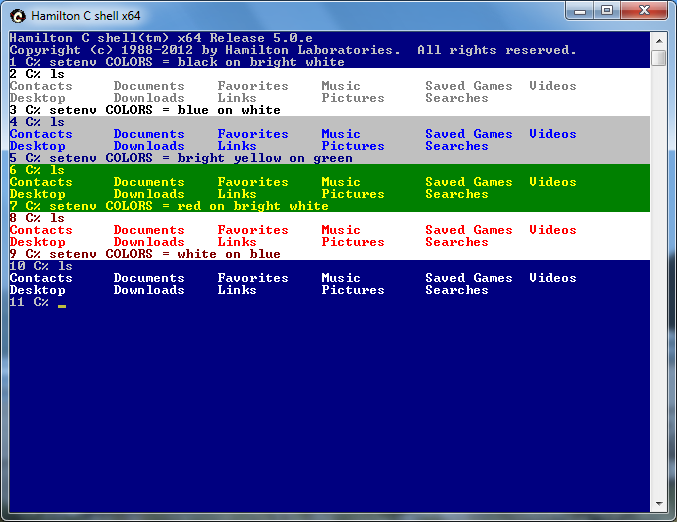
You can set the screen colors to your taste.
